Tabbed Browsing
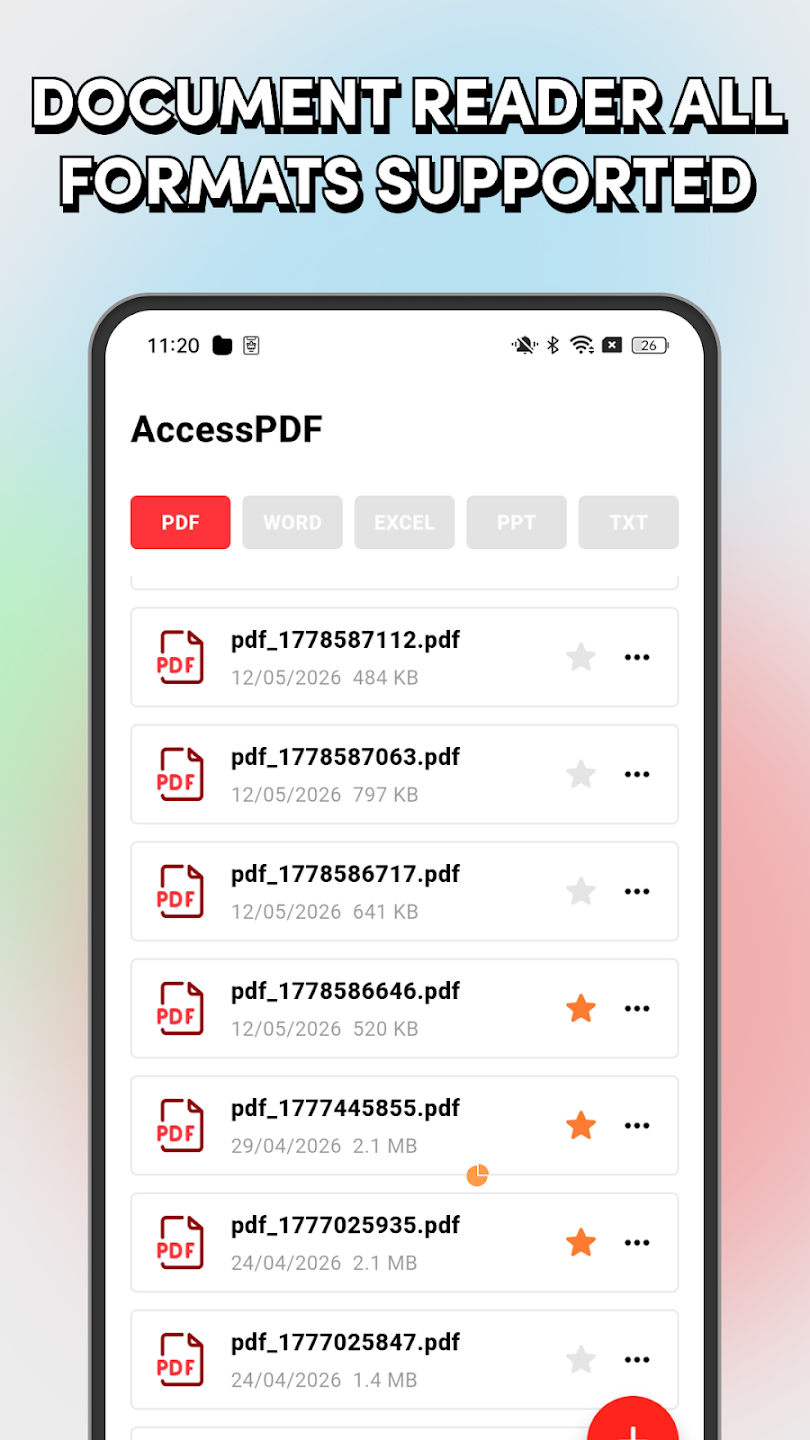
Switch between PDF, Word, Excel, PPT, and TXT files with one tap.
AccessPDF helps you open and read multiple file formats without switching between different apps. No complicated setup, no unnecessary features. Just open and read.
Key Features
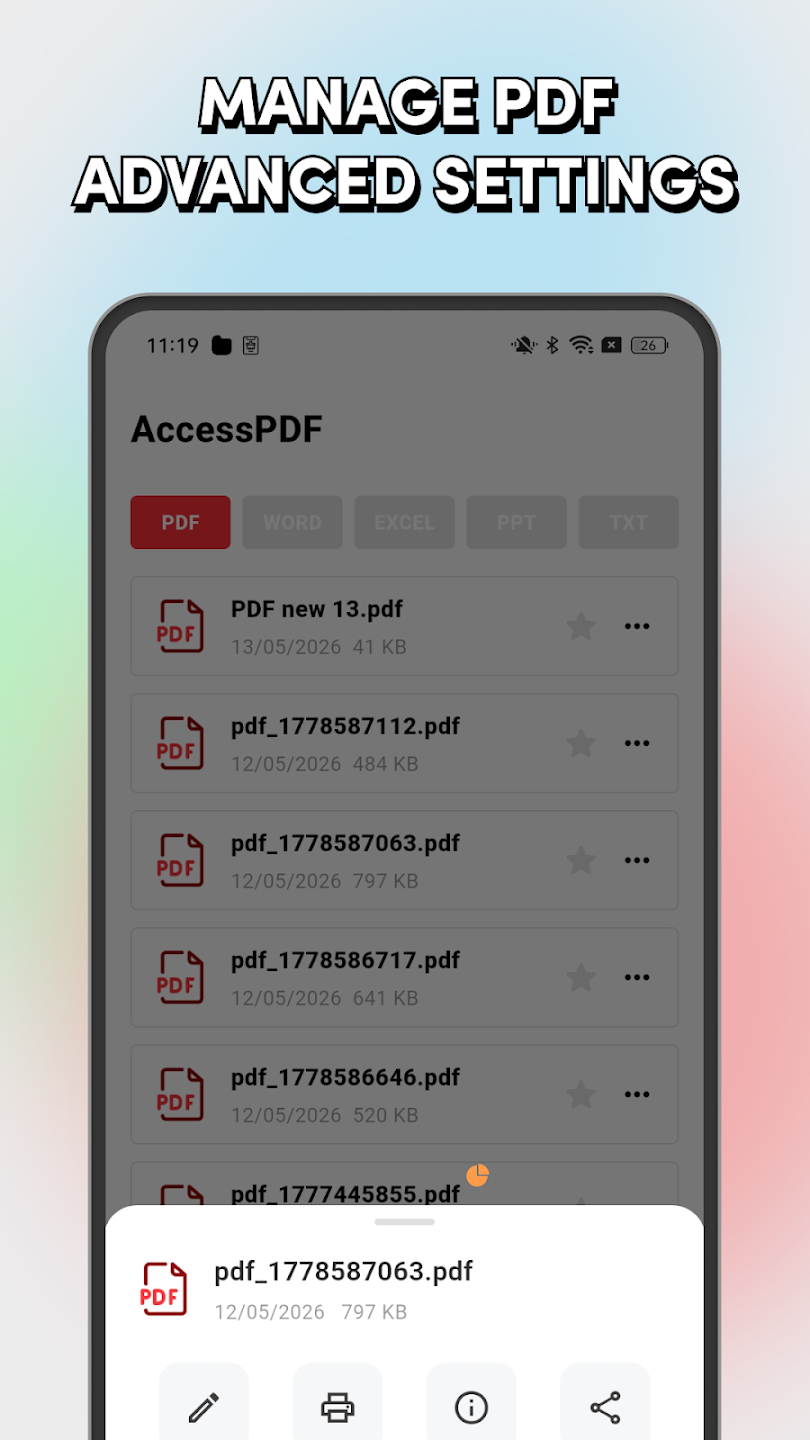
AccessPDF keeps common document tasks close at hand with tabbed browsing, bookmarks, and a clean file list.
Switch between PDF, Word, Excel, PPT, and TXT files with one tap.
Save important documents so you can return to them quickly later.
Browse all files, recent documents, or bookmarked items from one place.
View file names, dates, and sizes in a straightforward list.
Screenshots
The app focuses on practical file access and reading instead of extra setup.
All files and recent documents
Document viewing interface
Bookmarked documents
Format tabs for quick switching
Everyday Use
AccessPDF is designed around common document viewing needs: checking a PDF, reviewing a Word file, opening a spreadsheet, reading a presentation, or keeping a text file close by.
Open standard PDF documents for quick review.
Read common Word files without switching apps.
Open spreadsheet files from your file list.
Keep simple notes and text documents accessible.
Send a message about AccessPDF support, document viewing, or app feedback.